







Mix and Combine Add Your Own Touch
Back Side Options
If you don’t want to show up back element, you can easily turn it off. In addition, you can manage its horizontal & vertical offset and its opacity.
Image Background
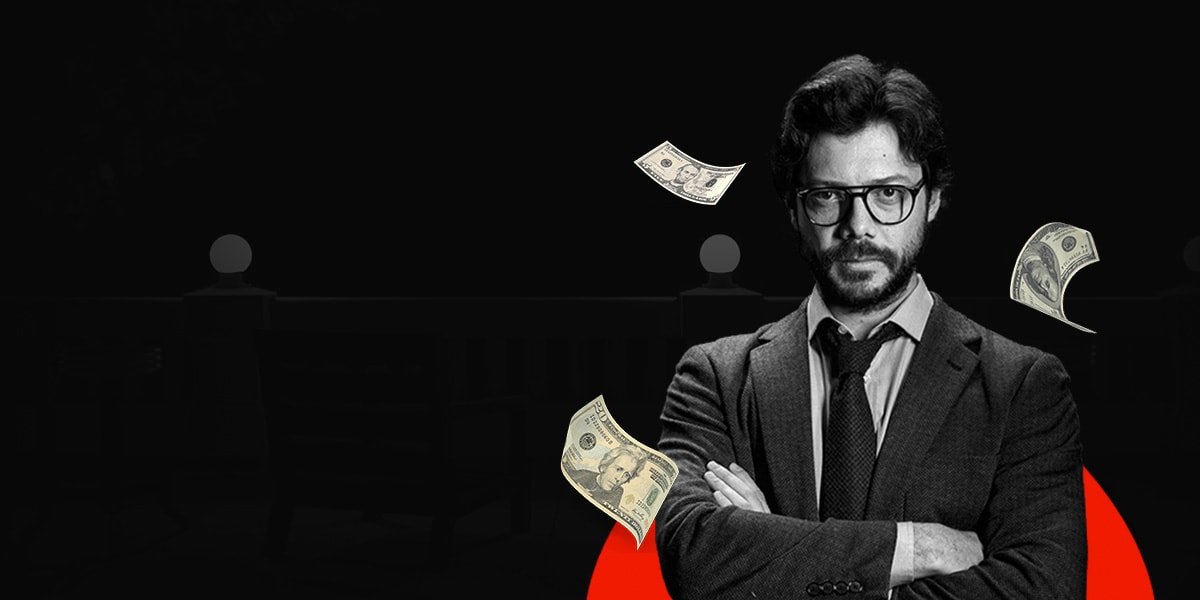
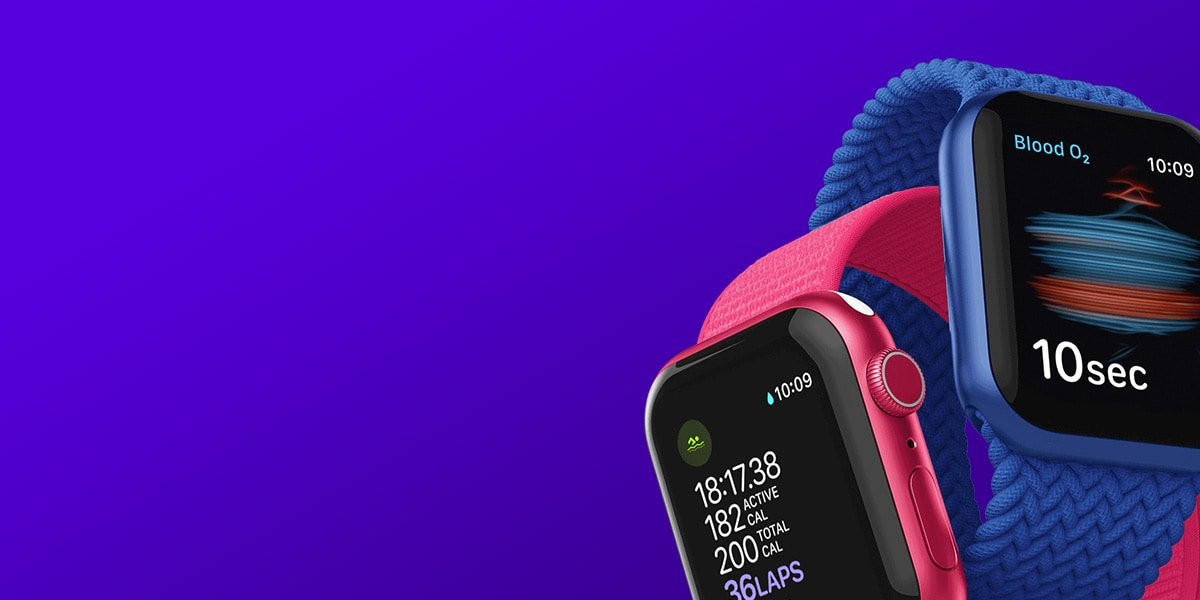
Give your CTA box another look by adding an image background instead of using a solid color.
Hover Effect
The back element have a hover effect option, you can enable or disable it as you want. In this example, back element hover effect is enabled.
Vertical Alignment
You have a vertical alignment option for the main element. You can set it top, middle, or bottom.
Icon Options
We have added multiple options to the call-to-action as you can choose whether if you want use an icon or text or you can even use it both.
Inner Container
You have multiple styling options for inner and outer containers. Add background image or solid color.