The Greatness
Make SVG Drawn With Mouse Hover It's All Up to You!
Make your SVG elements drawn when the mouse hovers over it. All you need to do is to switch on the “Animate on Hover” option and that’s it!
You'll Also be Able to...
-
Adjust The Start and Ending Points.
-
Reverse The Drawing and Customize Its Speed.
-
Make All Paths Drawn Together.
-
Re-Draw The Elements When Scroll Up.
-

-
Hover over this area
Conversion Champions
The Power of Grow Hover Effect Using the Button Widget for Elementor Builder
Team of Developers Our team members
Lorem ipsum dolor sit amet, consectetur adipiscing elit. Ut elit tellus, luctus nec ullamcorper mattis, pulvinar dapibus leo.
Select from Pre-Made or Custom Blobs.
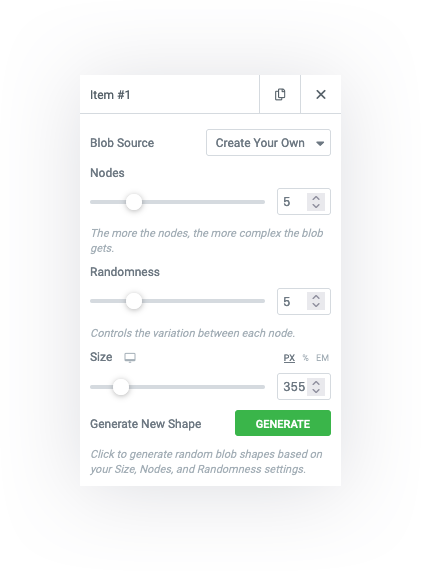
Get the chance to have an outstanding experience with Premium Blob Generator Section Add-on for Elementor Page Builder as you will have the ability to use Pre-Made Blob Shapes or you can use Custom Blobs based on the amount of Nodes and Randomness.
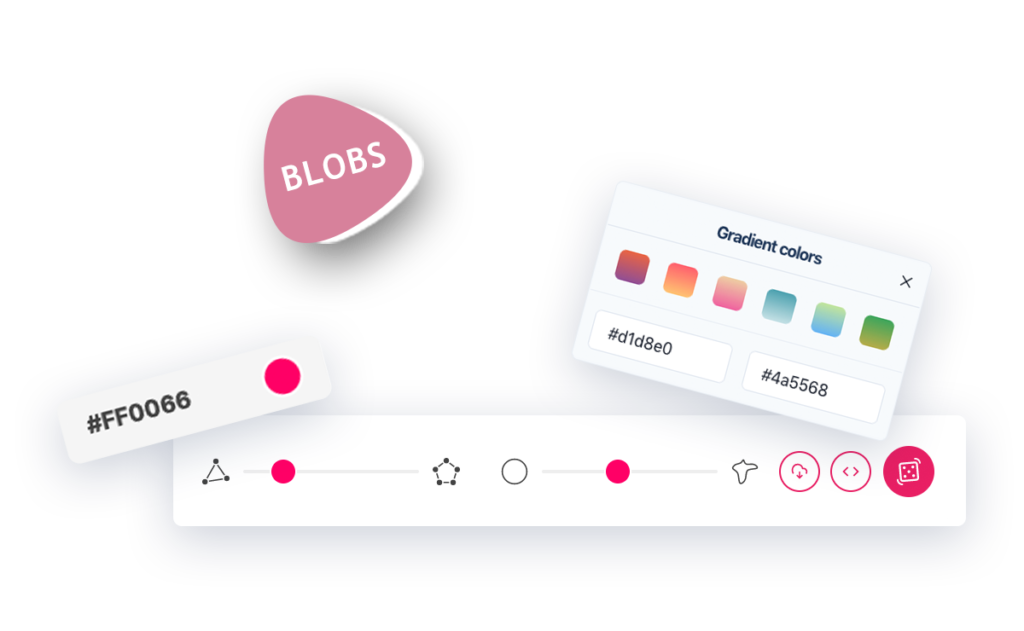
Pre-Made Blobs.
-
BlobMaker.appBlobMaker.app
-
Blobs.appBlobs.app
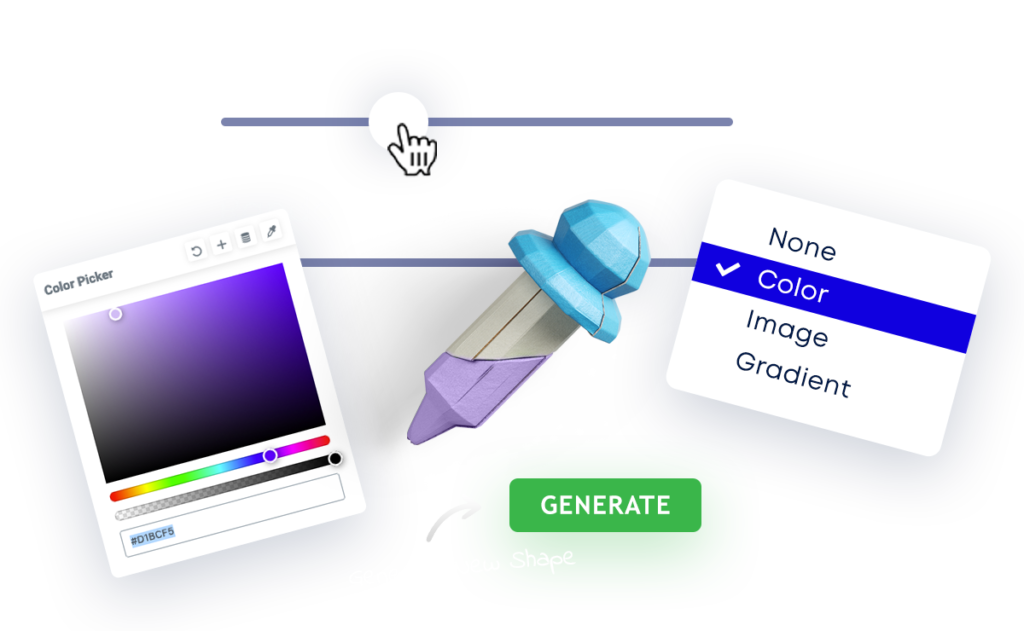
Custom Blobs.
-
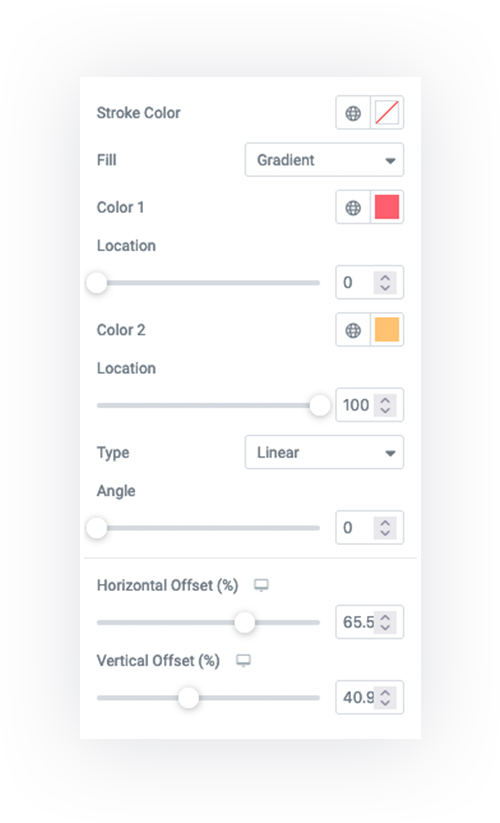
No Fill
-
Color
-
Image
-
Gradient
Expand Your Boundaries with
Blob Generator. Elementor Section Addon
Be the first to meet the newly added Section Add-on Blob Generator for Elementor Page Builder. This new Elementor Section Add-on comes exclusively with a wide range of smart customization options.
Introducing
SVG Draw Elementor Widget

Introducing
SVG Draw Elementor Widget
Easily With No Effort Get a.. Sophisticated Website.
Now, everyone is a designer! Having a creative website is no longer complicated. You can now create fancy shapes without the need to insert them as images. Get PA PRO now and start your own sophisticated journey.